TRAINING19 February 2026 · 28:00
I Fed My Blood Work to an AI — Here's What It Said
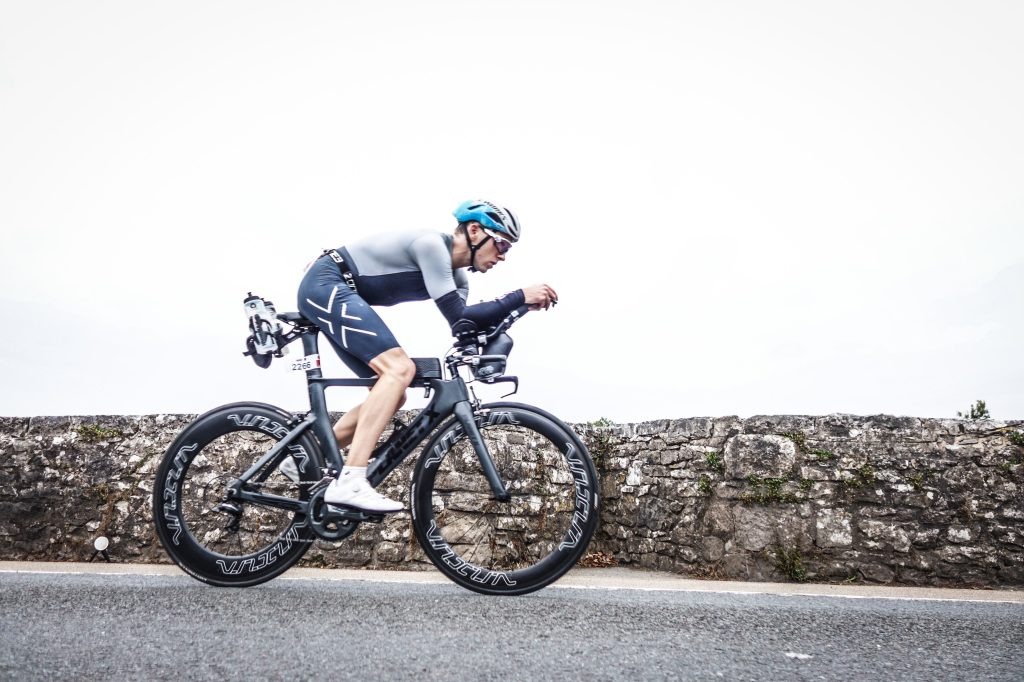
James McAulay
Endurance athlete and triathlete
Show Notes
What You'll Learn
- How to connect Garmin, Strava, TrainingPeaks, and gym apps to one AI agent using MCP servers
- A system prompt structure that gives Claude Desktop enough context to coach you
- How to turn a 65-page blood work PDF into personalised nutrition guidance
- Why converting documents to Markdown before adding them to AI context saves tokens and improves output
- The honest limitations of AI coaching — what it can and cannot replace
Timestamps
- 00:00 Cold open — preview clip
- 00:55 Welcome and guest introduction
- 01:27 James previews the episode
- 02:20 "Not a replacement for a human coach"
- 03:00 James's background: 15 years of data tracking
- 05:10 Screen share begins — Claude Desktop setup
- 06:00 System prompt walkthrough
- 07:21 Live demo 1 — multi-data retrospective (sleep, HRV, run critique)
- 09:05 Sleep data pull from Garmin
- 10:05 Run critique from TrainingPeaks
- 12:08 Live demo 2 — session planning from readiness metrics
- 13:46 Live demo 3 — gym programming via Heavy app
- 15:20 AI notices a bicep training gap
- 17:00 Deep research use case
- 18:41 Injury-prevention framing — "You're not ready to run 100K"
- 19:55 Layer 4 — Randox blood work added to context
- 21:18 Privacy note and data trust
- 21:41 Live query: post-workout nutrition from blood markers
- 23:30 Personalised reference ranges discussion
- 25:26 Value summary and key principles
- 26:19 Wrap-up
- 27:21 Post-production bonus: Zwift workout push
- 27:35 Outro
Key Takeaways
- Context is the product — A system prompt with your goals, training history, and blood markers is what separates this from generic ChatGPT advice.
- MCP servers bridge the gap — Claude Desktop connects to Garmin, Strava, TrainingPeaks, Intervals.icu, and Heavy without writing code.
- Convert before you upload — James turned a 65-page blood work PDF into Markdown at 1% of the original size. Less noise, better output.
- AI coaches are honest but not accountable — The agent will critique your training plan but won't chase you when you skip sessions.
- Blood work becomes actionable — Out-of-range markers explained in the context of your lifestyle and training, not just flagged in red.
Tools & Resources Mentioned
- Claude Desktop — AI agent with MCP server support
- Claude Projects — Persistent system prompts and file context
- Garmin — Wearable for sleep, HRV, body battery, resting heart rate
- Strava — Activity tracking
- TrainingPeaks — Structured training plans and analysis
- Intervals.icu — Free training analytics platform
- Heavy — Gym workout logging app with MCP integration
- Randox — Blood testing service
- Zwift — Indoor cycling platform
- MyFitnessPal — Nutrition tracking (mentioned as future integration)
This episode is for informational purposes only and does not constitute medical advice. Always consult a qualified healthcare professional before making changes to your training, nutrition, or supplementation. AI tools are decision-support aids, not replacements for professional medical guidance.
Never Miss an Episode
Get new episodes and workflow breakdowns in your inbox.
Interviewed by
Will Read
Co-host